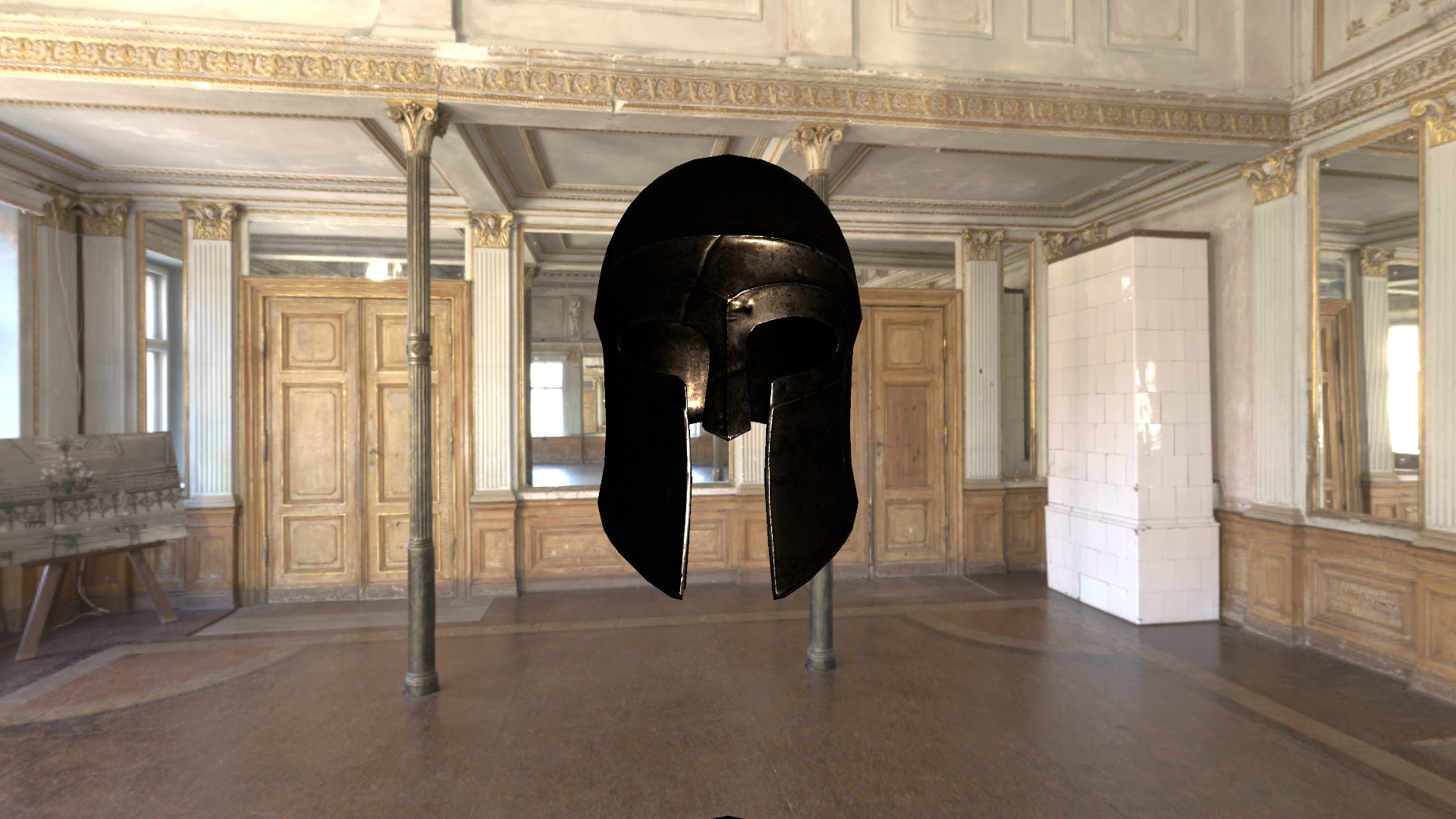
Main-light diffuse and specular contributions.
Implementing a physically based shader in Unity, integrating environment lighting, and tracing visual differences back to the math and material inputs.
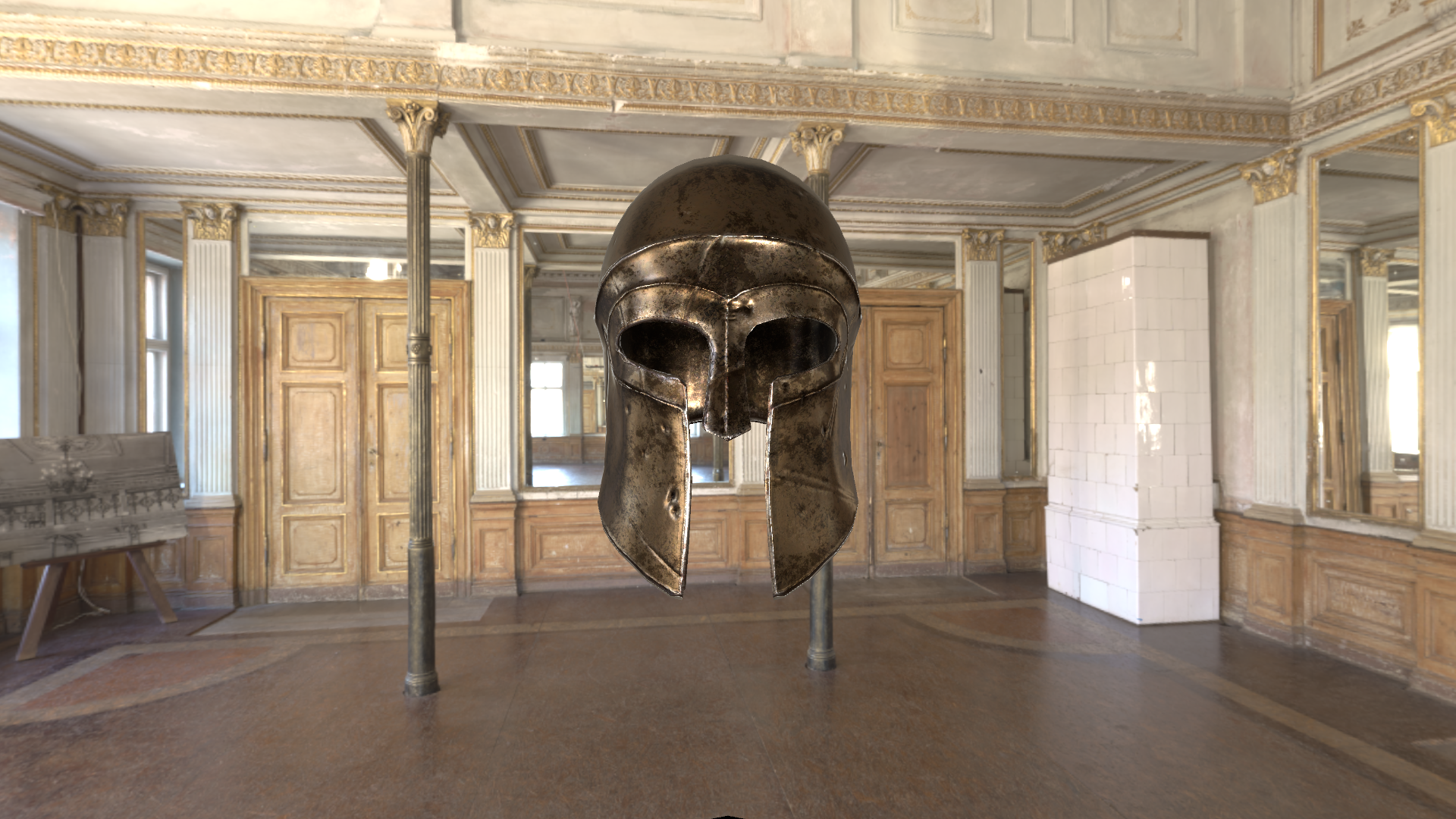
00 / Visual reference
After aligning the shading conventions and smoothness inputs, the helmet materials produced a close visual match in the tested scene.
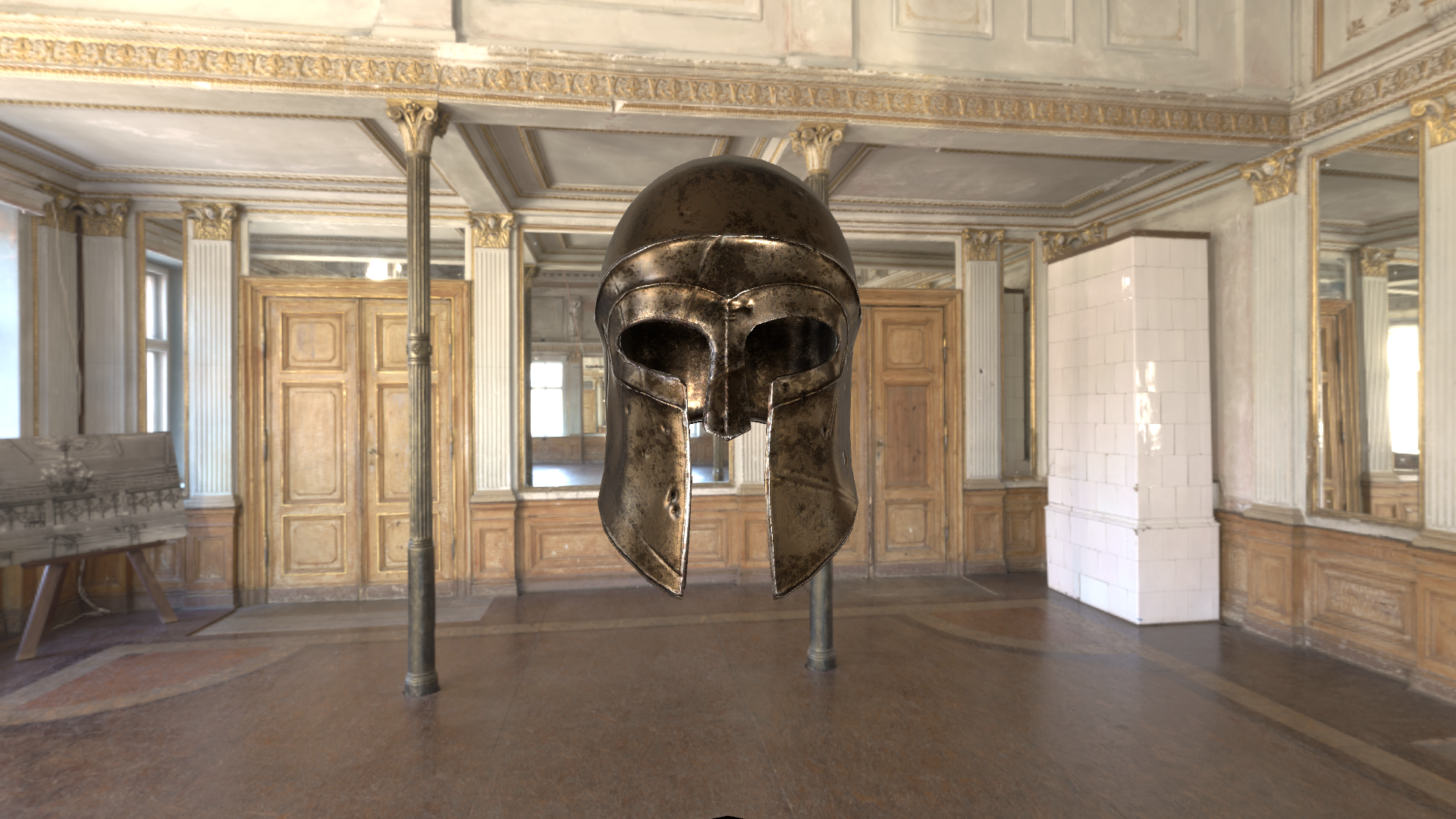
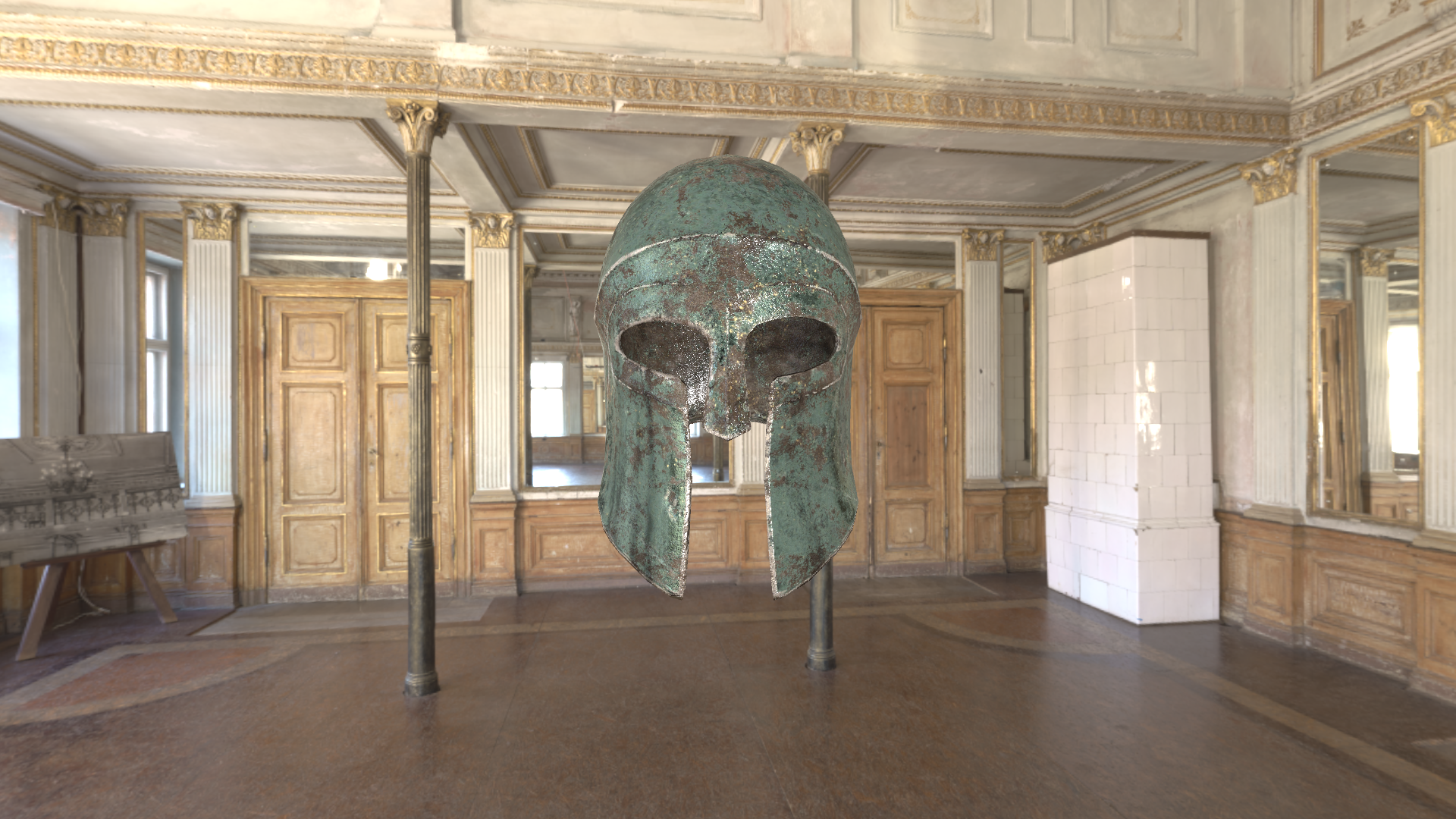
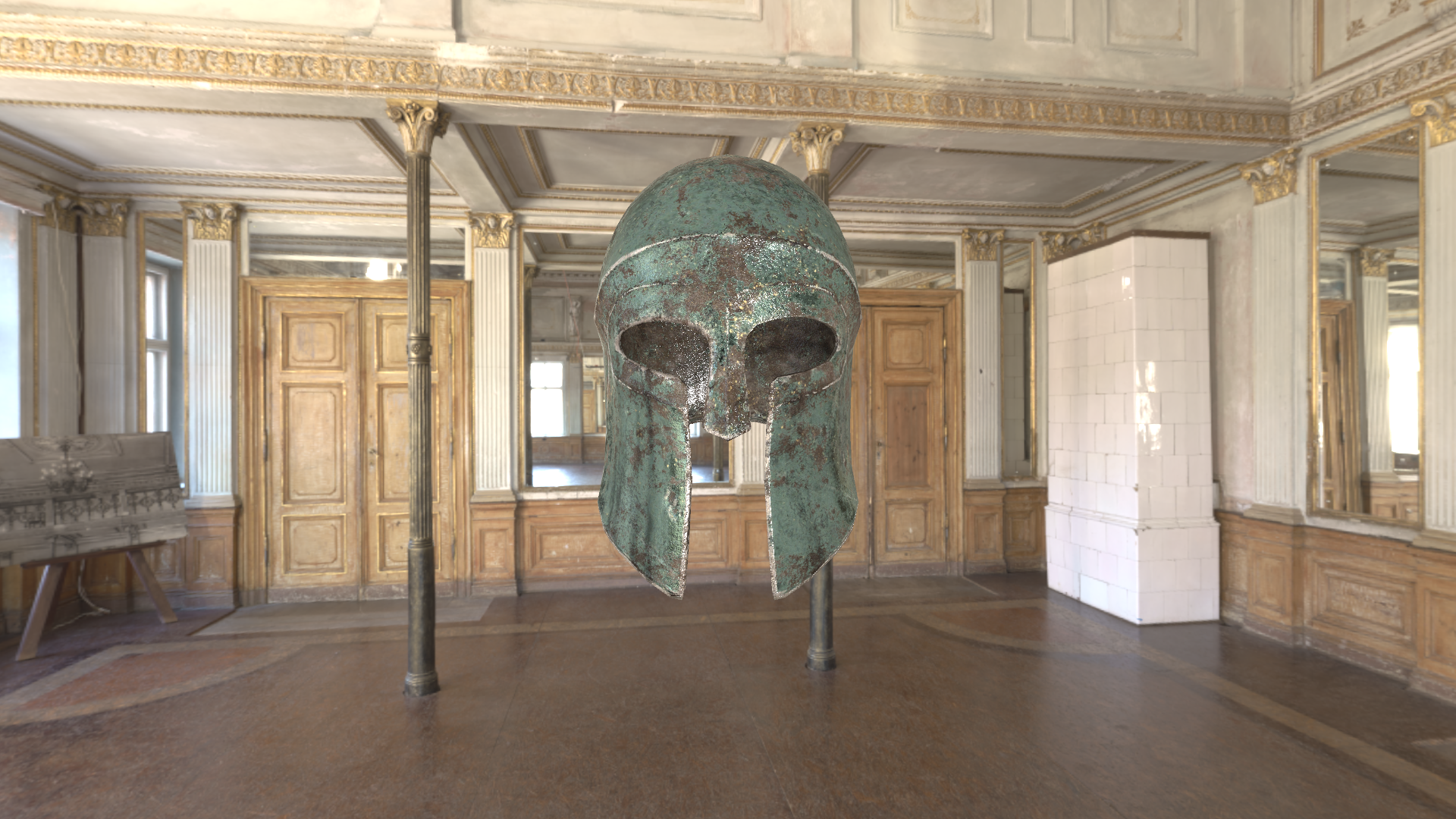
The tested materials and scene show a close visual match, with subtle local brightness differences remaining along the lower cheek guards, most visibly in bronze. Both pairs use the same crop and scale; the implementation focuses on opaque ForwardBase shading.
01 / The project
This study connects the microfacet BRDF to a working real-time material, using Unity Standard as a visual and implementation reference.
The project includes two shaders, refined through comparison with Unity’s Built-in implementation. PBR_simple evaluates direct lighting with a simple ambient term. PBR_IBL extends the same material model with Unity’s environment-lighting data.
My work covers the shading logic, material input conventions, and debugging. Unity supplies the lightmaps, SH coefficients, and prefiltered probe textures; I implemented how the shader reads and combines them.
02 / Implementation
Direct light is evaluated from the scene light. Environment light is reconstructed from data prepared by Unity, with the material still controlling the response at runtime.
Albedo, tangent-space normals, metallic R, smoothness A, occlusion G, and emission.
GGX distribution, Smith joint visibility approximation, Schlick Fresnel, and Disney diffuse.
Skybox SH supplies diffuse illumination in this scene; prefiltered reflection probes supply specular illumination.
Light attenuation and shadows, indirect diffuse and specular, emission, then fog.
D describes the microfacet normal distribution; V includes masking, shadowing, and denominator normalization; F is Fresnel reflectance.
Main-light diffuse and specular contributions.
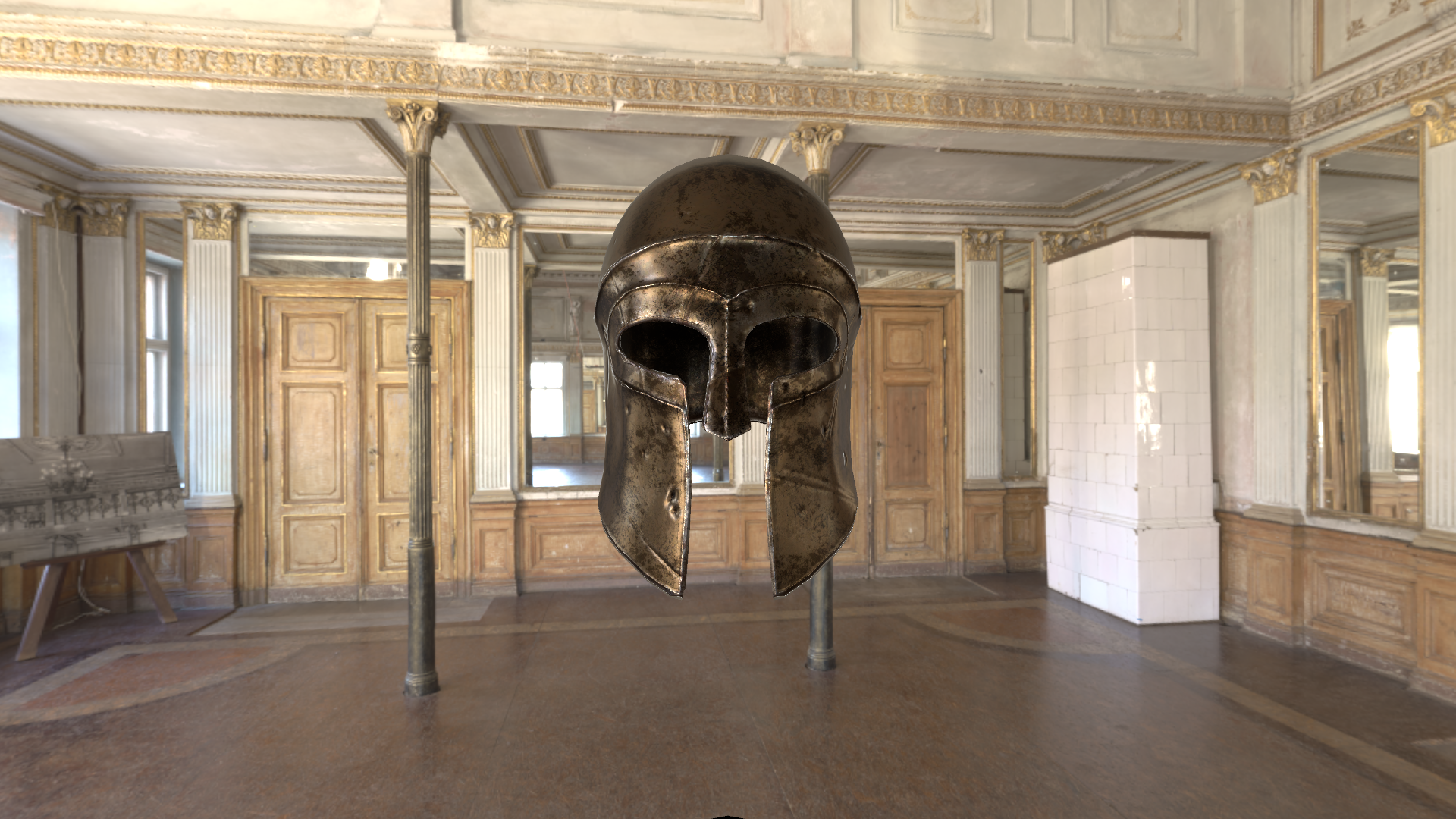
Skybox SH supplies environment diffuse; reflection probes supply environment specular.
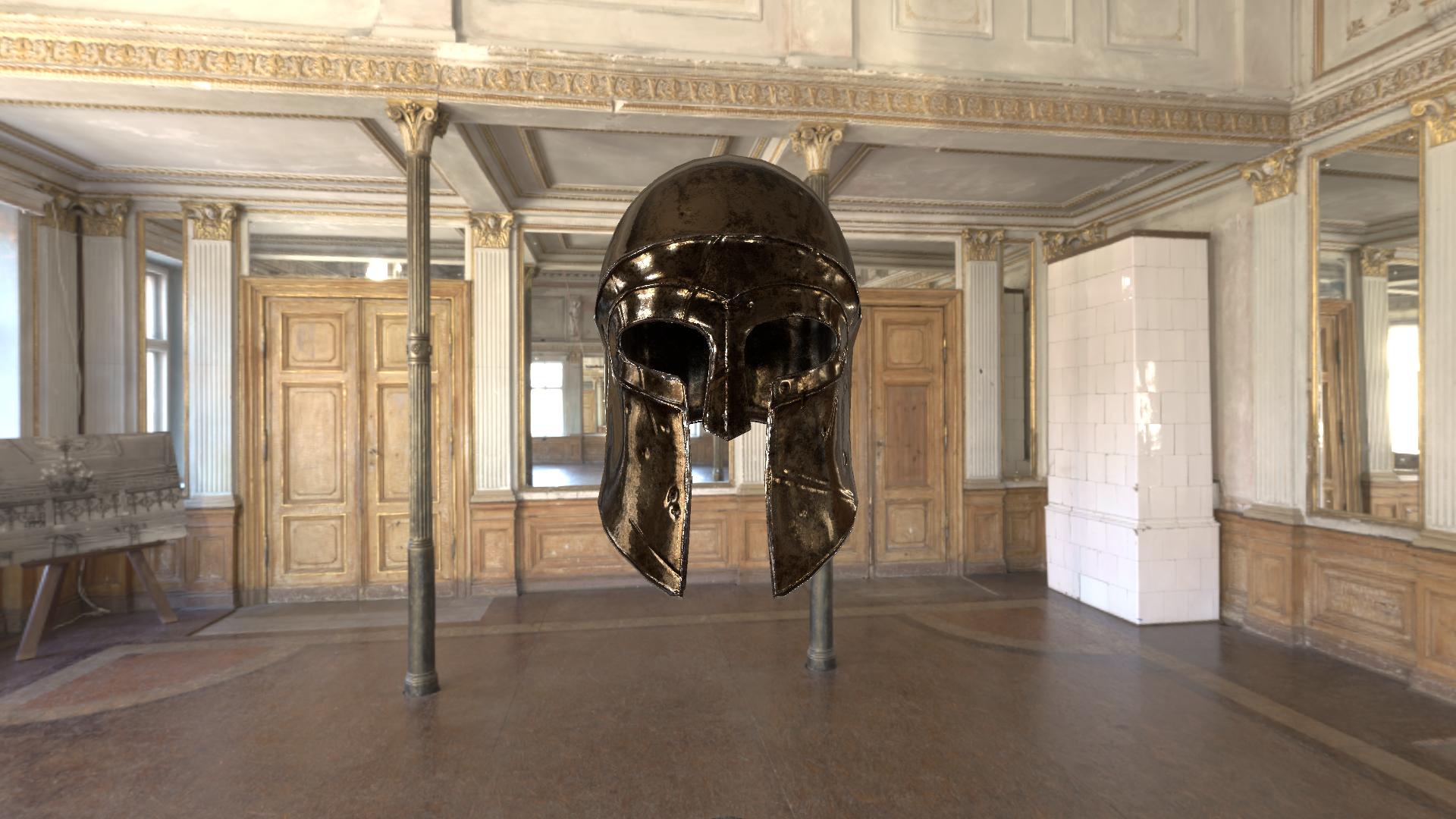
Main-light and environment contributions combined.
Under this lighting setup, environment reflections dominate the bronze helmet’s appearance, while the main light adds localized highlights.
SH compactly represents low-frequency directional lighting; Light Probes provide spatial lighting samples. The shader evaluates SH using the surface normal for environment diffuse.
Probes store the surrounding environment in cubemaps. The shader samples by reflection direction and selects a prefiltered mip by roughness. Box Projection corrects parallax in local reflections.
Lightmaps store baked illumination in surface textures. The shader reads them using lightmap UVs for baked diffuse lighting.
03 / A debugging case
A material input mismatch explained an important part of the visual gap.
The metal helmet had sharper reflections and deeper dark regions than Standard.
The custom shader read roughness from a separate texture’s R channel; Standard used Metallic Alpha × Smoothness. The resulting roughness values differed.
Aligning Metallic Alpha × Smoothness narrowed the visual gap, alongside the BRDF and environment-response corrections.
THE MATERIAL CONVENTION
smoothness = metallicSample.a * _Smoothness;
roughness = 1.0 - smoothness;
alpha = max(roughness * roughness, 0.002);
With a varying Alpha channel, Smoothness = 0.75 does not mean a constant roughness of 0.25.
04 / What I learned
Building this shader connected the BRDF equations to visible material response. Aligning smoothness inputs enabled a more consistent comparison with Standard, while separating direct and environment lighting showed how each contribution shapes the helmet’s highlights and surface detail.
My CPU Path Tracer samples ray paths and uses Monte Carlo estimation to evaluate light transport. This Unity shader evaluates the main light directly and combines it with environment-lighting data prepared by Unity. Together, the projects helped me understand how similar material models can be evaluated under different computational budgets.
Related study / CPU Path Tracer ↗