COMPUTER GRAPHICS / UNITY BUILT-IN · HLSL / CG
Screen-Space
Ambient OcclusionFrom noisy samples to clearer contact.
A rendering study in reconstructing scene geometry, estimating local occlusion, and preserving surface boundaries during filtering.
- MY WORK
- SSAO implementation & debugging
- FOCUS
- Depth, normals & multi-pass filtering
- PROJECT TYPE
- Implementation study
- ENGINE
- Unity 2022.3 · Built-in · Deferred
01 / FINAL RESULT
Grounding the scene.
Occlusion strengthens the contact beneath the bed and chair, along wall corners, and where the ceiling beams meet. Compare the same camera view with and without the effect.
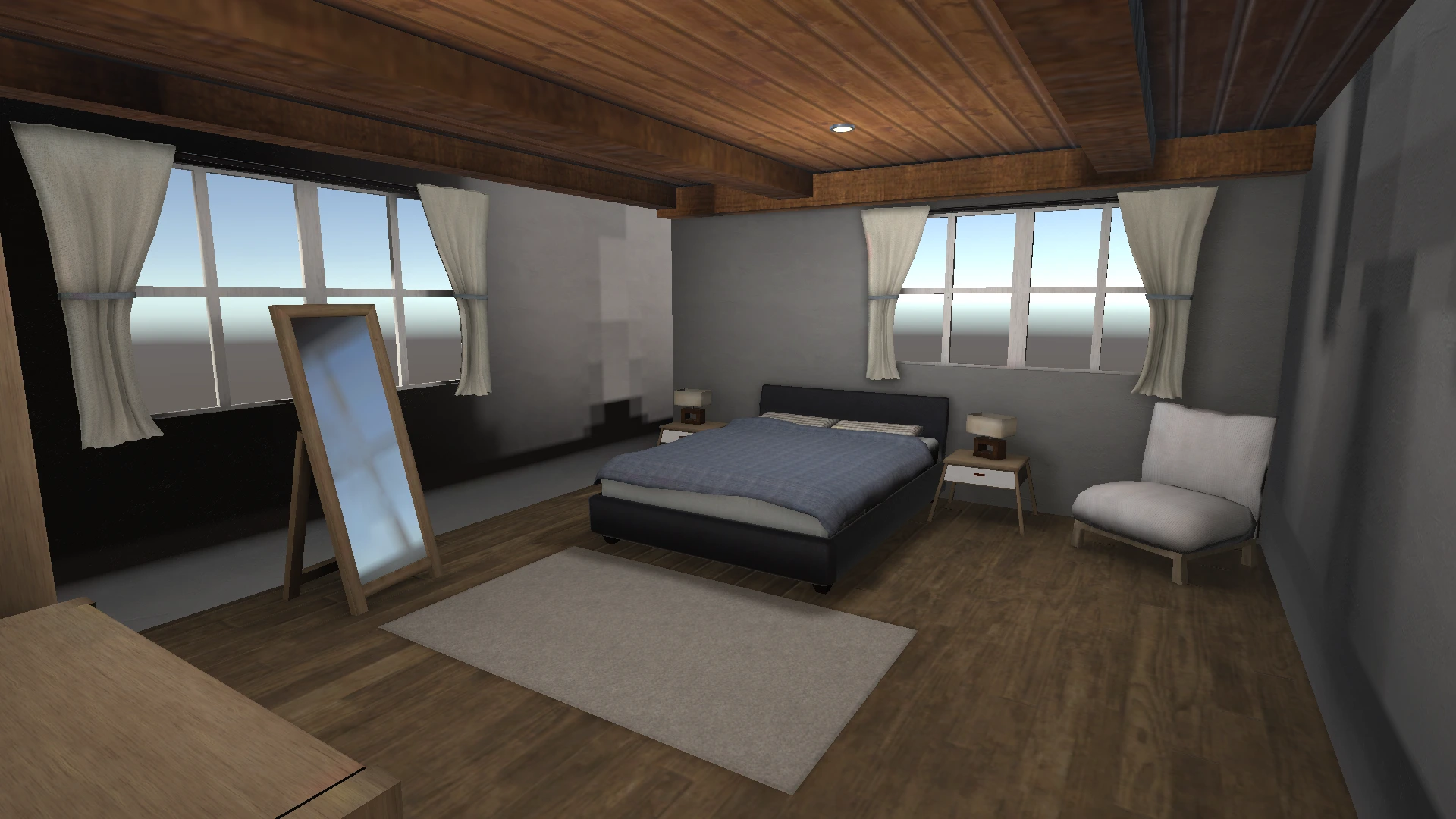
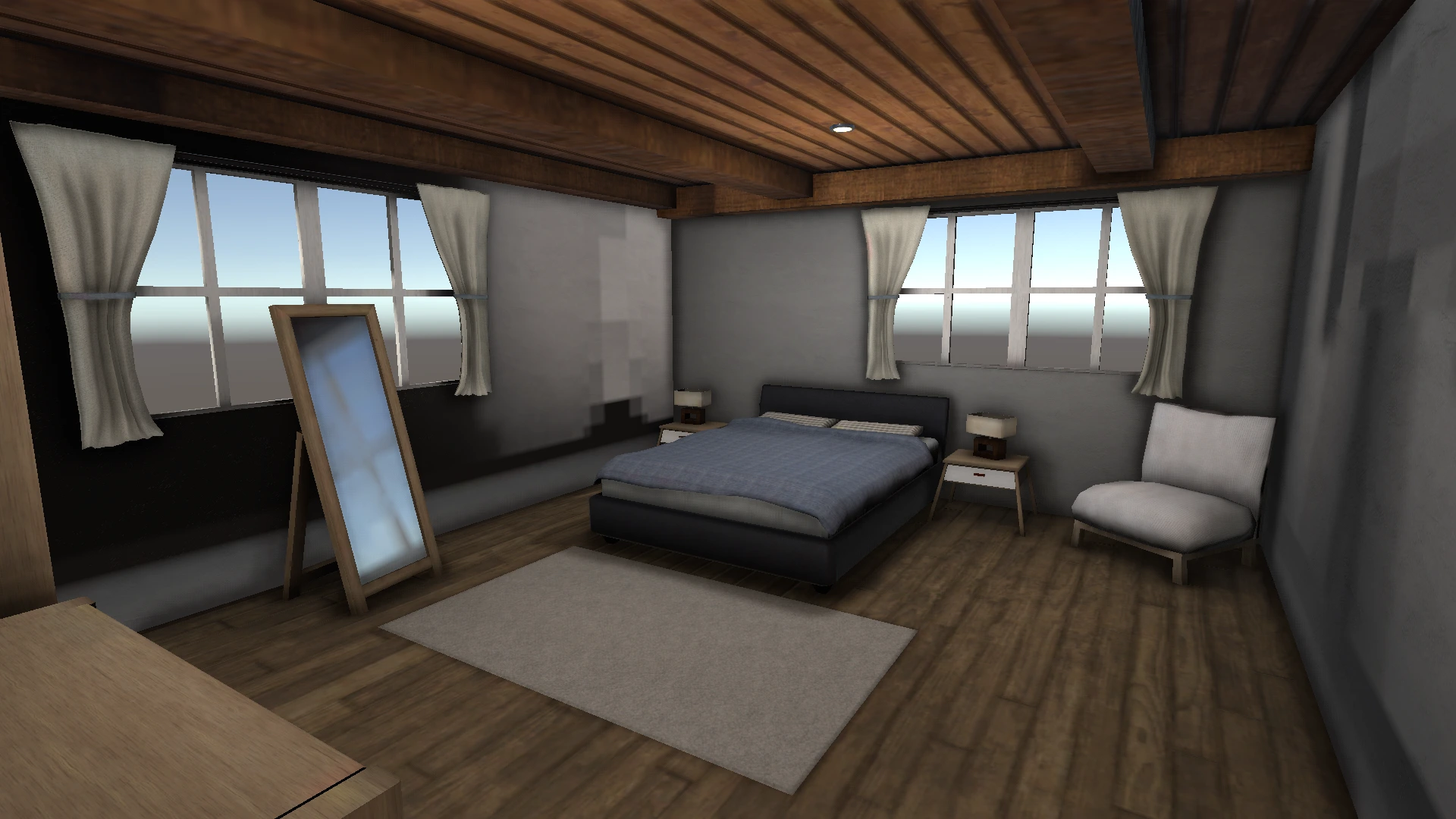 With SSAONo AO
This is a post-process approximation: visibility modulates the full rendered image, including direct lighting and highlights, rather than only an isolated ambient-light term.
02 / IMPLEMENTATION
Depth to visibility.
- 01
Input / reconstruct
Reconstruct world-space positions from camera depth using the inverse view-projection matrix, and read normals in world space.
- 02
Occlusion estimation
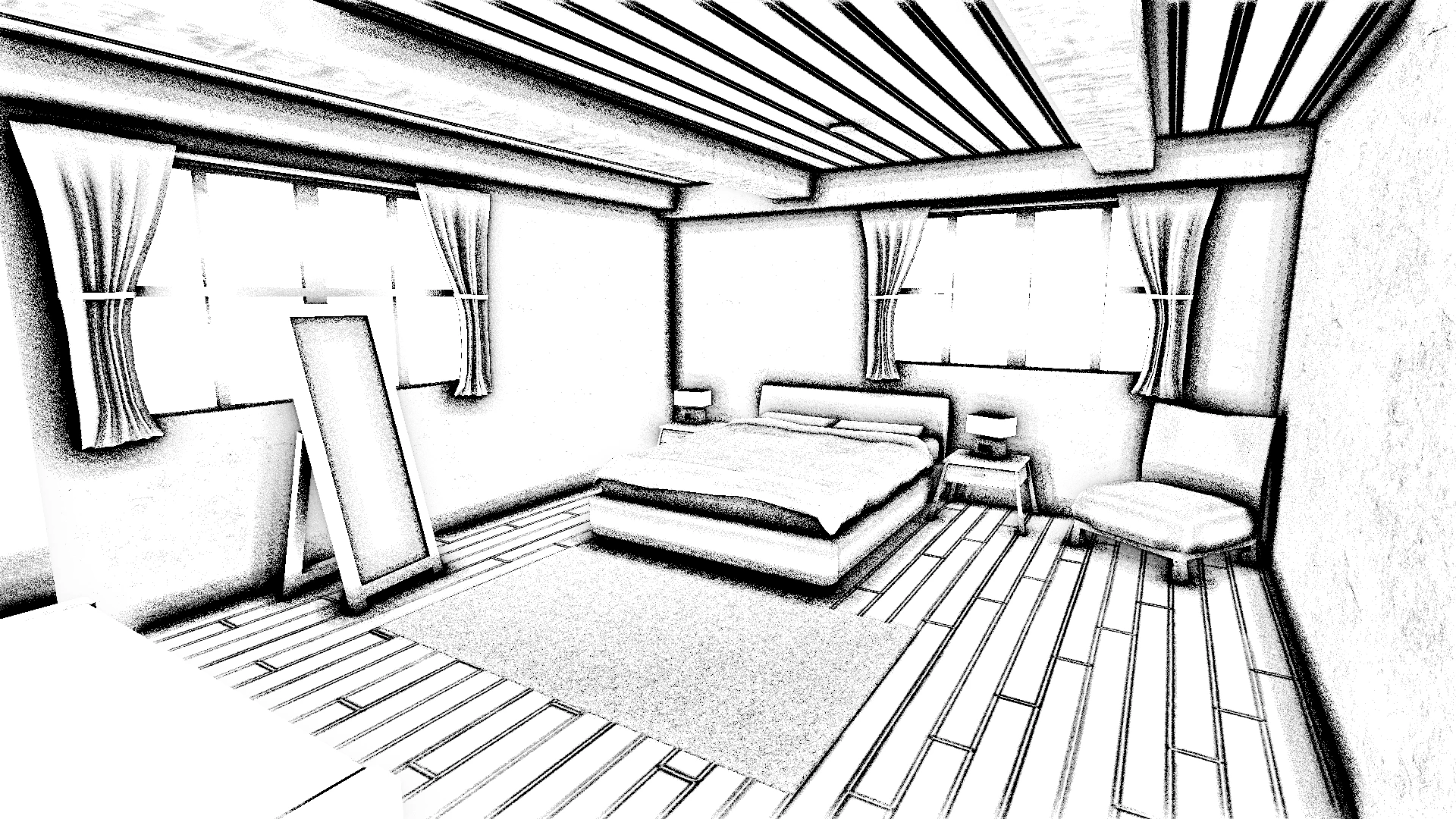
Orient hemisphere samples around the surface normal and project them into screen space. Compare sample depths with the scene depth to estimate occlusion.
- 03
Guided filtering
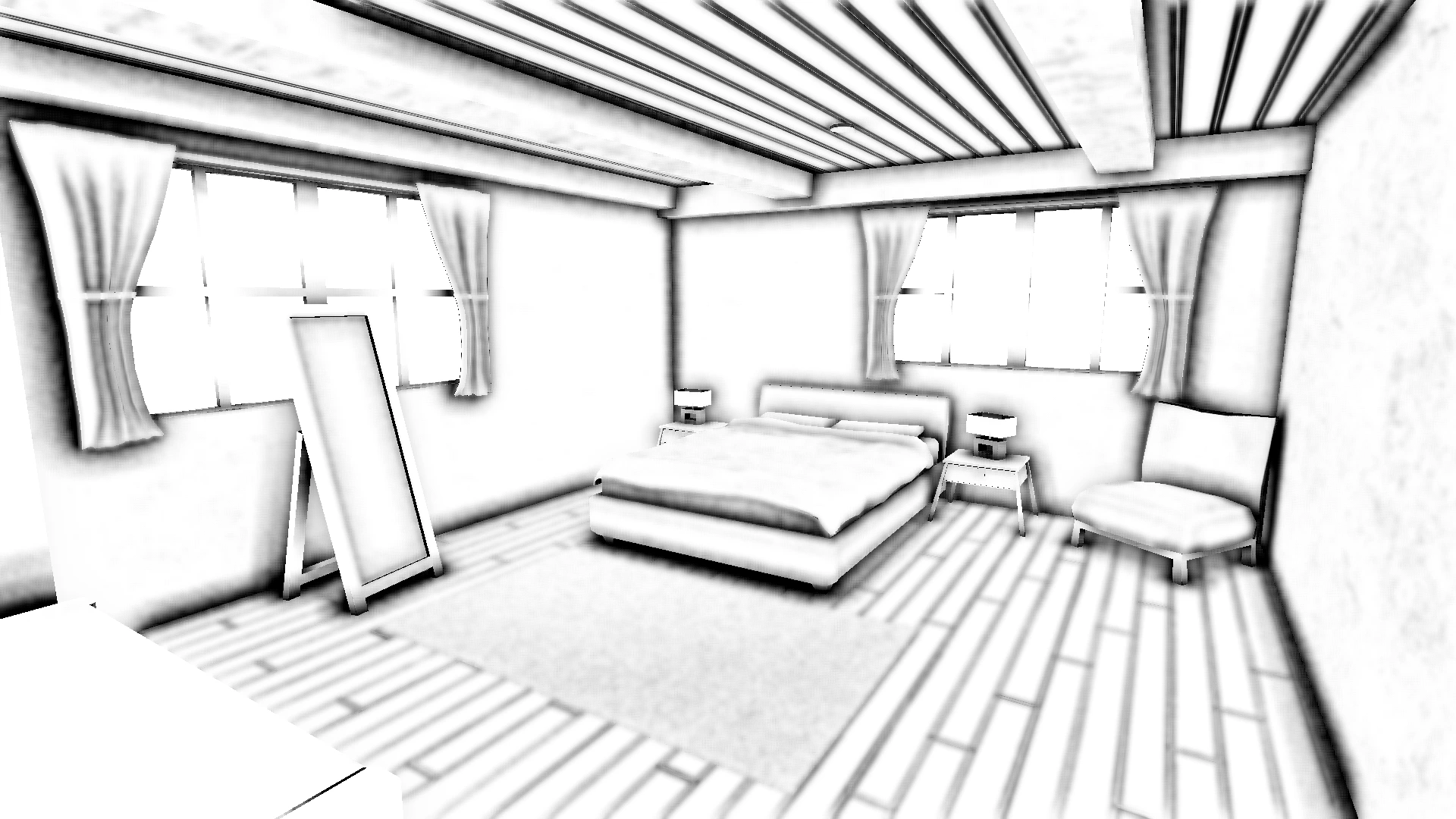
Apply normal- and depth-guided bilateral filtering to raw AO with horizontal and vertical 7-tap passes, reducing blending across surface boundaries.
- 04
Composition
Apply filtered visibility to the rendered scene. Separate raw and filtered AO outputs support debugging and comparison.
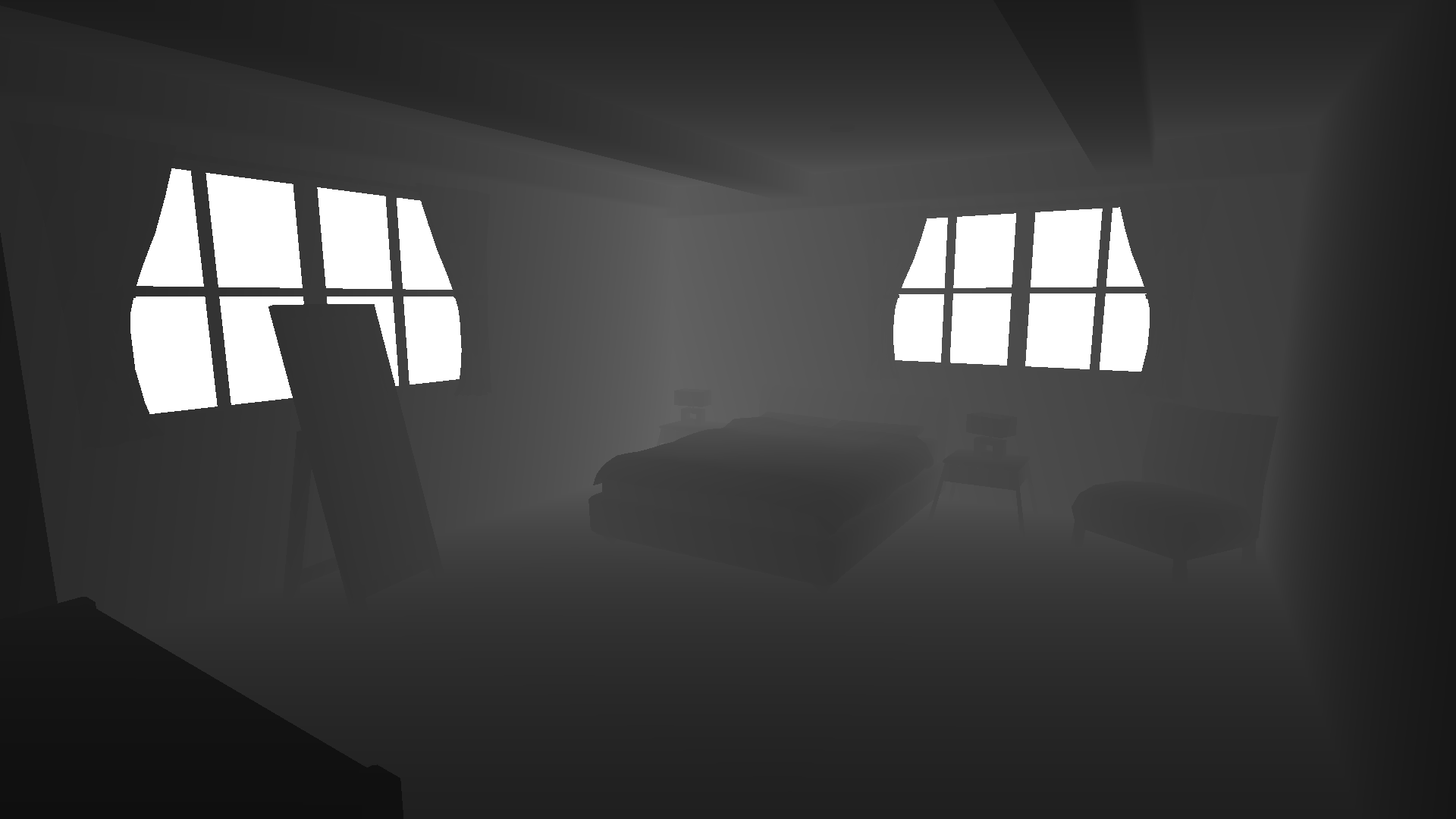
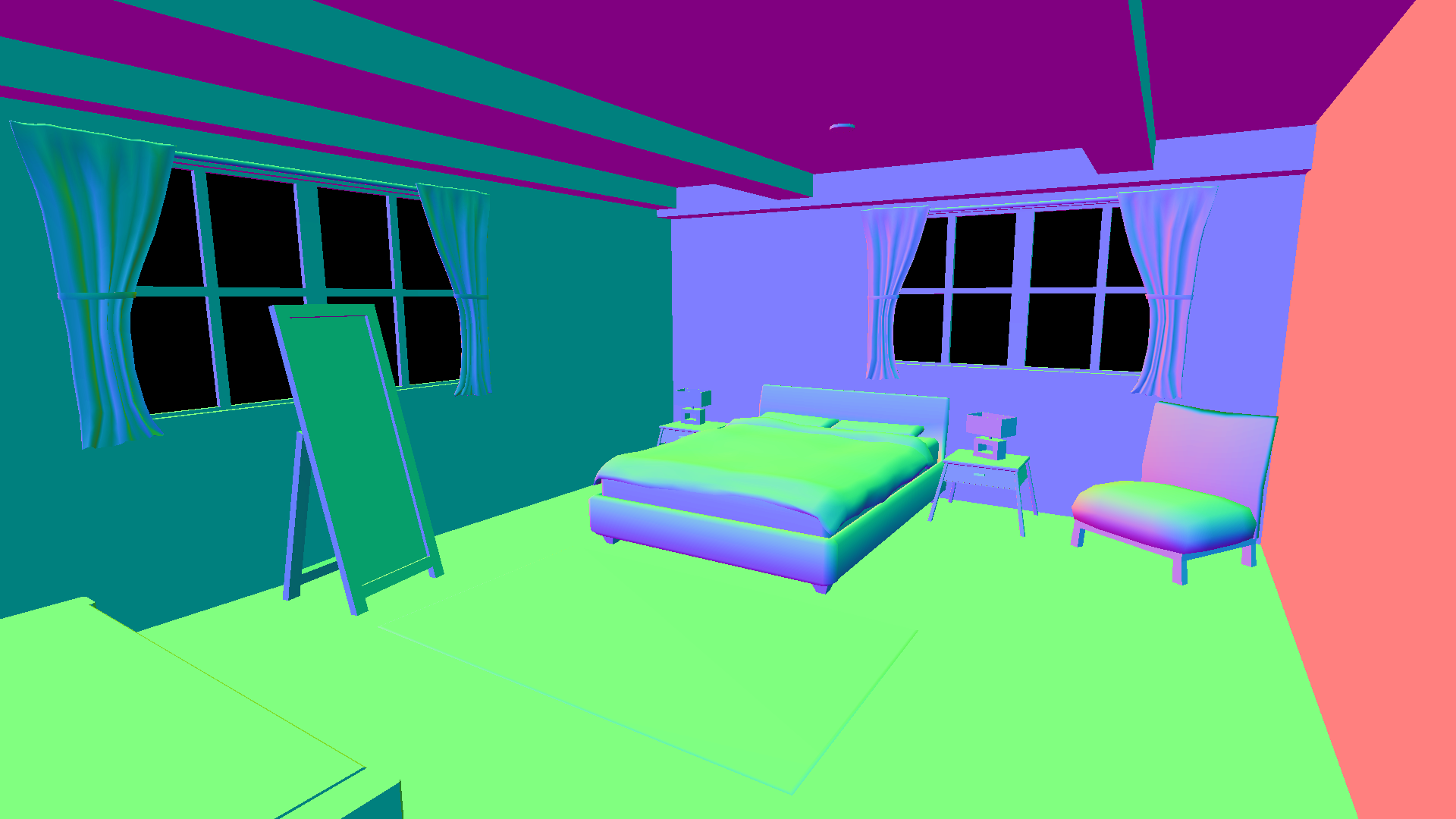
The occlusion pass rejects background and off-screen samples, applies a depth bias, and attenuates contributions across large depth differences. Material and temporary render texture lifetimes are managed in the C# camera component.
03 / FILTERING STUDY
Smoothing noise.
Keeping the boundary.
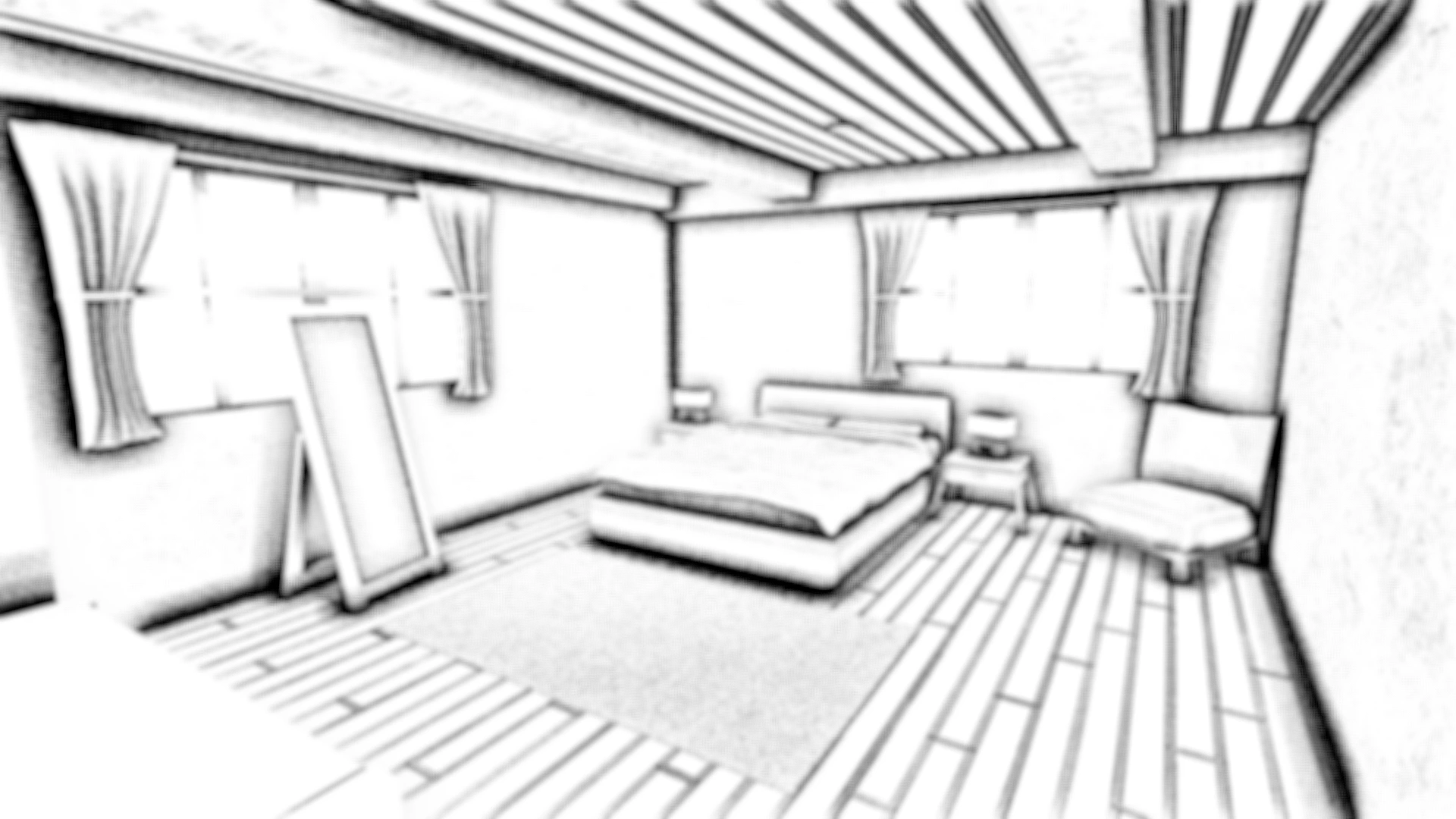
Gaussian filtering blends nearby pixels based only on screen-space distance. Normal and depth guidance reduces the weights of samples from different surfaces, smoothing noise while better preserving boundaries such as the mirror frame.
Raw AO
Gaussian
Normal + depth guided
30 samples · Full resolution · 7 taps/pass · 2 px spacing
Capture environment: Unity 2022.3.36f1 · Built-in Render Pipeline · Deferred rendering
All three crops show the same region at the same scale. Guidance improves edge preservation, while residual grain and low-frequency patches remain visible on broad surfaces.
04 / DEBUGGING & TAKEAWAYS
The filter footprint matters.
Matching horizontal and vertical sampling
The earlier pipeline filtered into a half-resolution texture before the vertical pass. Using that texture’s texel size doubled the vertical sample spacing relative to the horizontal pass.
I changed both intermediate textures to full resolution, giving the two directions a consistent pixel footprint.
Building this effect connected depth reconstruction, hemisphere sampling, and filtering into a working screen-space pipeline. Comparing Gaussian and geometry-guided filtering helped me understand how smoothing changes both noise and surface boundaries.